Consumer app
Turn a shipped feature into a week of posts
Five slideshow variants, on one review link.

Doublespeed MCP
Create slideshows, render video and queue posts to your accounts with Doublespeed, from the conversation you already have open.
Works with Claude
 ChatGPT
 CursorClaude Code
 OpenClaw
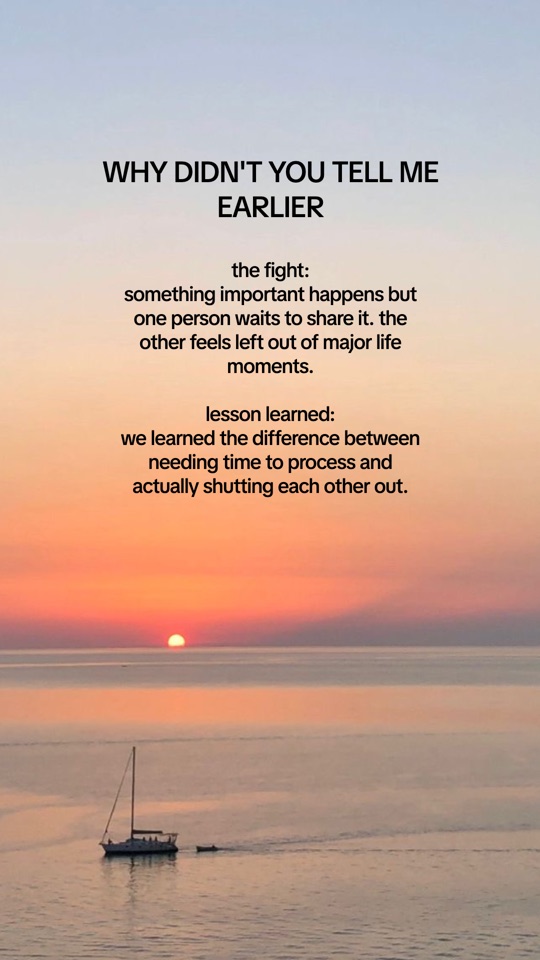
Claude sends “Create a carousel about petty fights.” to Doublespeed, which creates the four sample slides below.



About a minute. Sign in with your Doublespeed account; there is no API key.
You paste it in the next step.
https://doublespeed.ai/api/mcpIn Claude, open Settings › Connectors › Add custom connector and paste the URL.
Open Claude connectorsClick Connect and finish the Doublespeed sign-in in your browser.
You ask. Doublespeed does the work in your product and hands the result back.
Example conversation
Sample content
Draft saved
Review link
Demo onlyPetty fights we've had · 4 slides
doublespeed.ai/review/sample-3f9cAwaiting approval
@couplesnote
Petty fights we've had · queued
Tue 09:40@couplesnote.daily
Petty fights we've had · queued
Tue 12:15@thecouplesnote
Petty fights we've had · queued
Wed 08:05Sample accounts and times
Choose a workflow and copy the prompt.
Consumer app
Five slideshow variants, on one review link.
@couplesnoteTue 09:40@couplesnote.dailyTue 12:15@thecouplesnoteWed 08:05Agency
Every post queued on its account's next open slot.
Ecommerce
A carousel draft you can still edit before it posts.
Full reference in the documentation and the MCP addendum.
Claude, ChatGPT, Cursor, Claude Code and OpenClaw, each through its own way of adding a remote MCP server. You need a Doublespeed account with access to at least one product. Sign-in happens in your browser; there is no API key.
Paste one URL, sign in, and ask for the first thing you need.
Connect Doublespeed